

Zero-day Exploits
With Australia’s top cyber security experts on your side, you can do more than just comply with security regulations – you can deliver what truly matters to your business.
- Ahmed Khanji
- Updated: October 27, 2025
What is a Zero-day Attack?
A zero-day vulnerability is an unknown software or hardware exploit in the wild, a flaw that exposes a vulnerability and can create complicated problems before anyone realises that something is wrong. It leaves NO opportunity for detection, at first.
A zero-day attack happens once the flaw or vulnerability is exploited. Attackers release malware before developers have an opportunity to patch or fix the vulnerability—hence the term “zero-day.
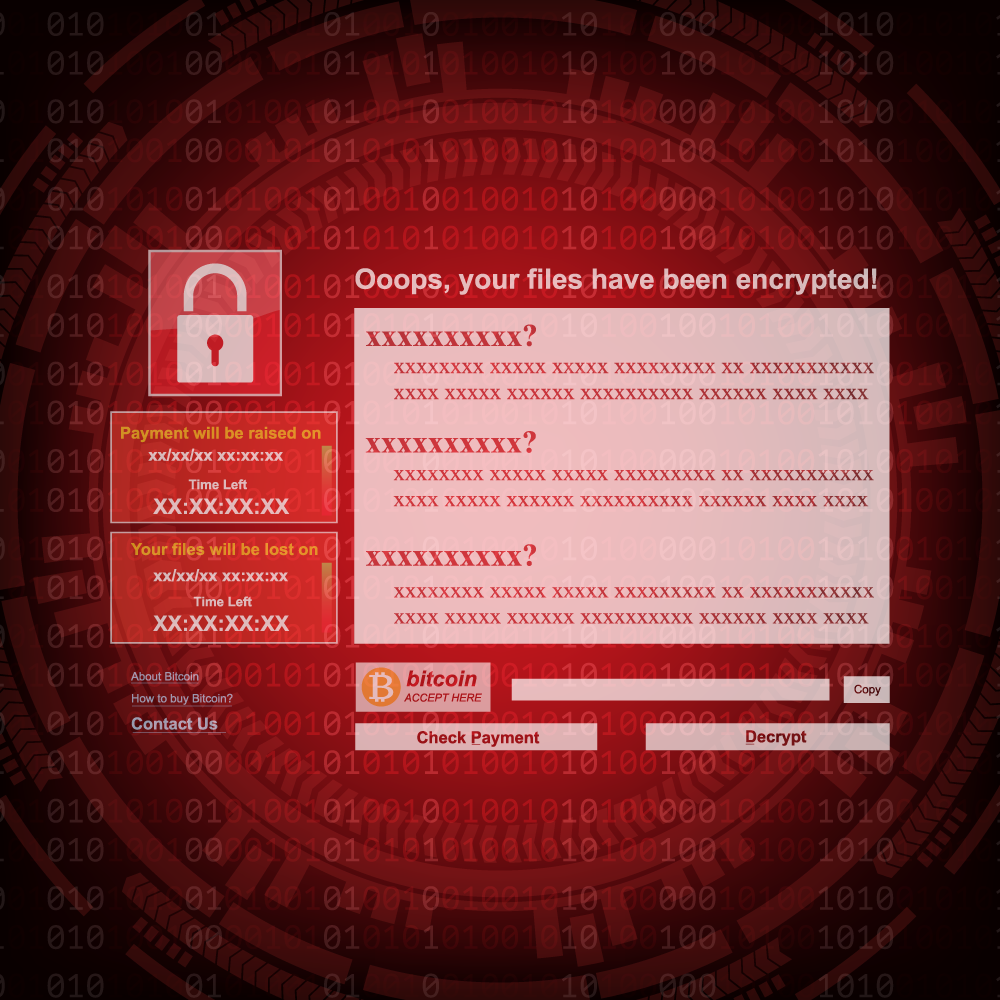
How do zero-day attacks work?
Malicious actors are always on the lookout for vulnerabilities that they can exploit before a patch is developed. While the vulnerability is open, attackers will write and implement a code to take advantage of it. This is known as exploit code. The exploit code can lead to the software users being victimised – through identity theft or other cybercrimes.
Once attackers identify a vulnerability, they need a way of reaching the vulnerable system. This can be through a socially engineered email – an email that is masked to look like it’s from a known or legitimate contact but is actually from the attacker. Through the message, the attacker will try to convince the user to perform an action that will allow their code to run, such as opening a file or visiting a malicious website. If the user does so, the attacker’s malware will infiltrates the user’s files and steal confidential data.
Who are the targets for zero-day exploits?
Systems at risk
A zero-day hack can exploit vulnerabilities in a variety of systems, across software and hardware, including:
- Web browsers
- Internet of Things (IoT)
- Office applications
- Open-source components
- Operating systems
- Hardware and firmware
The potential victims
Due to the broad range of target systems, there is a broad range of potential victims:
- Individuals who use a vulnerable system, such as a browser or operating system Hackers can use security vulnerabilities to compromise devices and build large botnets
- Individuals with access to valuable business data, such as intellectual property
- Hardware devices, firmware, and the Internet of Things
- Large businesses and organizations
- Government agencies
- Political targets and/or national security threats

How to identify zero-day attacks
Zero-day vulnerabilities can be difficult to detect because they can take many forms – such as missing data encryption, missing authorizations, broken algorithms, bugs, problems with password security, and so on.
Due to the way this type of exploit works, detailed information is only available after the exploit is identified.
Organisations that are targeted or attacked by a zero-day exploit might see unexpected traffic or suspicious scanning activity. Some ways to detect zero-day exploits include:
Using existing databases of malware and their behaviour as a reference.
Malware databases are updated often, and promptly, but zero-day exploits are new and unknown, so an existing database should serve only as a reference point.
Look for zero-day malware characteristics based on how incoming files/connections interact with your system
Rather than examining the code of incoming files, look at the interactions they have with your software and try to determine if interactions are a result of malicious actions.
Modern machine learning detection
Machine learning is increasingly being used to establish a baseline for safe system behavior based on data of past and current interactions with the system, comparing this against data from exploits that have occured in the past. Detection becomes more reliable as more data is recorded.
How to protect yourself against zero-day attacks
Individuals and organisations must follow cyber security best practices to protect against attacks. This includes:
Modern machine learning detection
Individuals and organisations must follow cyber security best practices to protect against attacks. This includes:
Use a firewall
If not already in place, consider installing a firewall. A strict firewall that only allows necessary transactions will ensure maximum protection.
Keep all systems up to date
Vendors include security patches for new vulnerabilities in their updates, so install the latest to keep your software and operating systems secure.
Educate users
Human error is a key component of most zero-day attacks. Teaching users best practice when it comes to cybersecurity will mitigate risks and protect systems from zero-day exploits and other threats.
The latest on Zero Day Exploits
Gridware is proud to be a thought-leader in cybersecurity, creating and leading conversations in this space. Check out a selection of our published work from our Sydney based Cyber Defence Centre (CDC), and learn how our cyber expertise has led to partnerships with leading Australian Universities.
How Gridware can help
We partner deeply with clients to understand their needs, working closely and iteratively to provide robust, best-in-class security solutions
Training & Awareness
Your users are the last line of defence. Inform them about the latest email threats, and ensure that they understand their fraudulent nature and know how to report them to your security departments. Gridware security awareness training and phishing simulation provides all necessary tools to train your users to recognise and report phishing emails, which will prevent email fraud and data loss.
Proactive Monitoring
Firewalls and antivirus software are unable to comprehensively defend against the latest types of memory-resident and polymorphic malware.
Our certified security professionals employ cutting-edge threat intelligence to hunt for malware and other cyber threats and help quickly shut them down.
Protect your data
If ransomware does take control of your data, there’s no need to pay a ransom or go through a difficult and tedious recovery process — if you have a strong, modern, easy-to-use backup solution. We offer superior backup solutions — on-premises or in the cloud — that make it simple and fast to restore an up-to-date copy of any file, whether you’re restoring an entire server or specifically selecting files to restore.
Threat Detection
Detecting a supply chain attack quickly is the key to ensuring the damage isn’t irreversible. Firewalls and antivirus software are not enough to protect you against the latest threats. Our certified security professionals employ cutting-edge threat intelligence to hunt for malware and other cyber threats and help quickly shut them down.